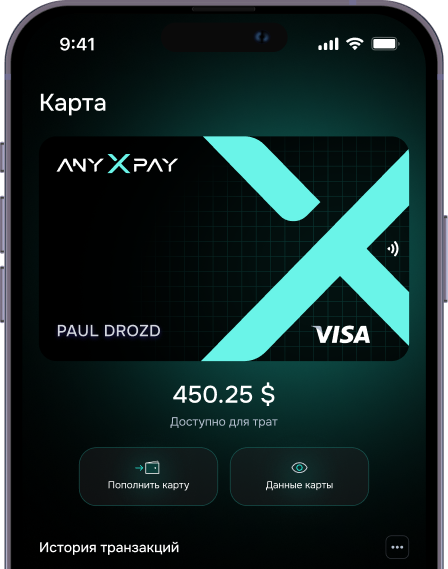
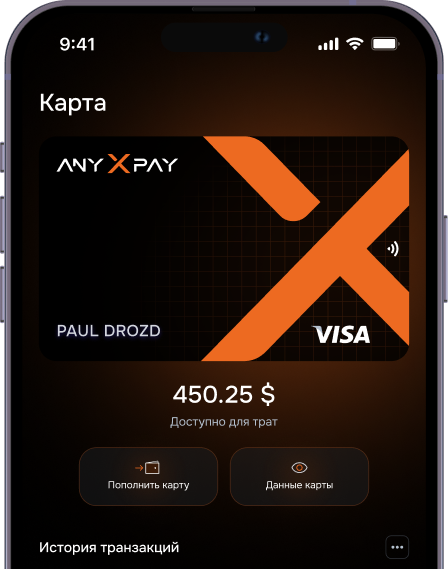




AnyXPay – a crypto card and crypto wallet in Telegram

The AnyXPay crypto card and our Telegram wallet are completely anonymous solutions for your everyday transactions

AnyXPay Crypto Cards
MasterCard Basic
  • Card cost: 50 USDT
  • Top-up fee: 4%
  • Transaction limit: $20 000
  • Daily transaction limit: $250 000
  • Monthly transaction limit: $1 000 000
MasterCard Pro
  • Card cost: 50 USDT
  • Top-up fee: 4%
  • Transaction limit: $50 000
  • Daily transaction limit: $250 000
  • Monthly transaction limit: $1 000 000
Visa e-commerce
  • Card cost: 50 USDT
  • Top-up fee: 4%
  • Transaction limit: $20 000
  • Daily transaction limit: unlimited
  • Monthly transaction limit: unlimited
Visa Premium (KYC)
  • Card cost: 50 USDT
  • Top-up fee: 4%
  • Transaction limit: $200 000
  • Daily transaction limit: $200 000
  • Monthly transaction limit: $6 000 000
How to activate an AnyXPay crypto card?
Learn how to quickly activate your card and start using it right after purchase.

Card activation

Go to the bot @anyxpay_bot and click "Register or Log In". In the bottom menu, open the "Cards" tab, choose any option — Mastercard Pro, Mastercard Infinity, Visa E-commerce, or Visa Premium — and click "Buy". Then click "Pay", after which you'll be able to get your anonymous crypto card for free and start using it right away.


Card activation
01

Wallet top-up

On the main page, click "Top Up" and select "Direct Top-Up". Then specify the asset — USDT, USDC, USDR, USDQ, EURQ, XAUT, EurR, or aUSDT — and choose the network TRC-20, ERC-20, or BEP-20. After that, scan the QR code or copy the address and send funds from any wallet that's convenient for you.

Wallet top-up
02

Card top-up

Go to the "Cards" section, select the card you need, and click "Top Up Card". Then enter the amount and confirm the action.

Card top-up
03

Connecting Apple Pay / Google Pay

In the "Cards" section, open your card and click "Show Details". Then go to Apple Pay or Google Pay and add the card just like a regular bank card.

Connecting Apple Pay / Google Pay
04
Why is AnyXPay the best crypto card and crypto wallet in Telegram?
The AnyXPay mini-app in Telegram Web App has several features that, when combined, create superior opportunities for crypto transactions with both a crypto wallet and crypto card, making AnyXPay the best Telegram app on the market.
Reliability
AnyXPay is a Telegram app with a crypto wallet and crypto card that has open-source code, ensuring complete protection of your funds.
Multi-currency
A Telegram wallet that supports major and rare blockchain networks and allows you to receive a USD balance on your crypto card.
With card withdrawal
A Telegram wallet with withdrawal to crypto card and flexible methods for any money transfers.
Privacy
A non-custodial crypto wallet and crypto card in Telegram that don't require you to provide personal information to obtain them.
Security
A secure Telegram wallet and crypto card with comprehensive protection of your funds, modern encryption, and non-custodial key storage.
Level 1 verification
Crypto wallet and crypto card in Telegram with level 1 verification: email and phone number.
Convenience
Convenient options for depositing and withdrawing funds, as well as using them for your everyday transactions.
How the AnyXPay crypto wallet works?
The AnyXPay Telegram crypto wallet allows you to easily
and conveniently perform everyday financial transactions
Buy/Sell
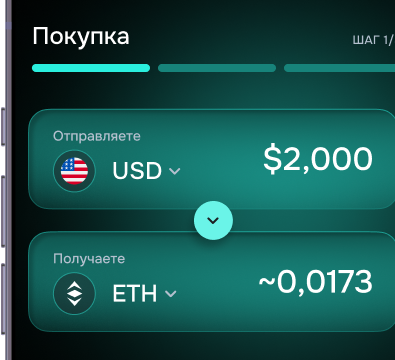
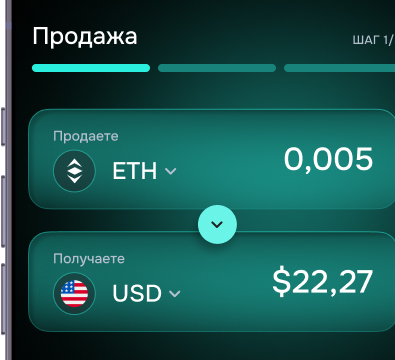
The AnyXPay Telegram crypto wallet allows you to easily and conveniently buy or sell cryptocurrency and perform everyday transactions.
Exchange
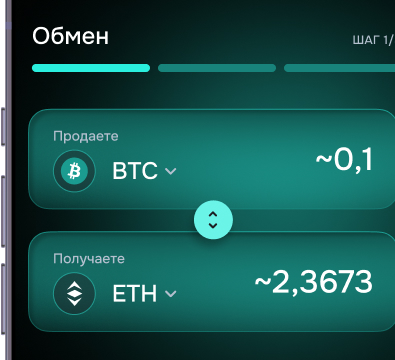
Cryptocurrency exchange is done instantly, immediately after the transaction is confirmed by the blockchain.
Withdrawal/Top-up
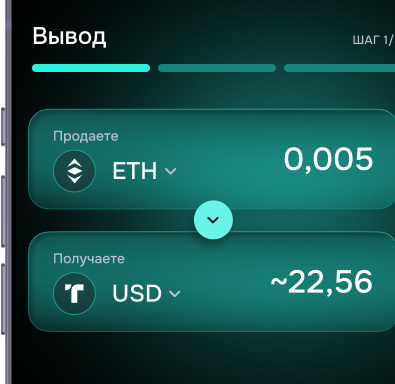
The AnyXPay Telegram crypto wallet allows you to quickly transfer cryptocurrency or top up your crypto card with cryptocurrency without hidden fees and intermediaries.
Payments
The AnyXPay Telegram app allows you to make payments with your crypto card, as well as add the crypto card to Apple Pay / Google Pay and pay for purchases through terminals anonymously and with high limits.
Multi-currency Telegram crypto wallet on your smartphone
Our Telegram wallet, unlike other similar mini-apps, covers not only the main currencies but also several other popular ones — everything you need for comfortable transactions
USDT
User reviews
Quick registration and convenient card
Nikita Bondarenko
I installed AnyXPay right in Telegram — everything works through a bot, convenient and fast. Set up a wallet in a couple of minutes, ordered a virtual anonymous card — got the details right away, connected it to Apple Pay. I use it for online shopping, no verification needed.
25/09/2025
Perfect for anonymous payments
Crypto Fox91
I didn't think such things actually work — the card is anonymous, virtual, registration in a couple of clicks, no passports needed. Made purchases from it on foreign websites — everything went smoothly. Respect to the AnyXPay team!
09/09/2025
Smart and simple — right in Telegram
Alina Shevchenko
I was waiting for a Revolut alternative, but without verification — and here it is. AnyXPay has become my main crypto wallet. I top it up through P2P, pay for online purchases with the virtual card. Everything in Telegram — it's simple and secure.
03/09/2025
Great choice for those who value privacy
Ivan Kirichenko
I've been using it for a month now. The anonymity is real, the card is accepted in any online store. The exchange rate is fair, support in Telegram responds quickly. Very convenient for those who don't want to expose their personal data.
25/08/2025
Maximum privacy without unnecessary questions
Zero Trace
The best thing they've come up with for gray-area tasks — an anonymous virtual card + crypto wallet in Telegram. Everything works stably, no documents, no unnecessary hassle. Already recommended it to several friends.
18/08/2025

AnyXPay, crypto card and Telegram crypto wallet in one app

The AnyXPay Telegram app is a completely non-custodial solution for your everyday transactions

FAQ
01 What is a crypto card?

A crypto card is a bank card linked to your crypto wallet. It allows you to pay with cryptocurrency like regular money: the system automatically converts your digital assets into the required currency when making payments or withdrawals. A crypto card gives you the ability to use crypto in stores, online services, and ATMs around the world.

02 What crypto cards are available?

AnyXPay offers three crypto cards: MasterCard Pro, Visa e-commerce, and Visa Premium (KYC). All cost 50 USDT and have a 4% fee, but differ in limits. MasterCard Pro — up to $50,000 per transaction, Visa e-commerce — unlimited daily and monthly limits, and Visa Premium — up to $200,000 per transaction and up to $6,000,000 per month.

03 How much does a crypto card cost?

The AnyXPay crypto card costs 50 USDT regardless of the type you choose — MasterCard Pro, Visa e-commerce, or Visa Premium (KYC).

04 How to get a crypto card?

To get an AnyXPay crypto card, just go to the AnyXPay Telegram app, select the “Cards” section in the menu, choose the card type you need, and click “Buy”. After payment, the card will automatically appear in your account, and you can start using it right away.

05 What is a Telegram wallet?

A Telegram wallet, or Telegram Wallet, is a cryptocurrency service built into the messenger that allows users to buy, sell, store, and exchange cryptocurrency directly in Telegram. No additional apps need to be installed to manage funds, making the wallet extremely convenient to use. The main cryptocurrency of the service is TON (Toncoin), but fiat payments and transfers through the P2P market are also supported. Telegram Wallet is considered a secure solution for storing and operating with digital assets directly inside the messenger.

06 How to create a wallet in Telegram?

Creating a Telegram wallet with AnyXPay is very simple. First, open the messenger and follow our link to launch the app. Click “Start” — this will activate the wallet creation process. Next, complete the registration: provide your details, email, and create a strong password that will be used to protect your crypto wallet and conduct operations such as exchanging, buying, or selling cryptocurrencies, as well as paying for goods and services. You’ll also need this password when topping up your balance. After that, review the terms of use and privacy policy, then confirm your agreement by clicking “Accept”. In the final step, enter the six-digit code that will be sent to your specified email. If the email doesn’t appear in your inbox, be sure to check your “Spam” folder. After confirmation — your AnyXPay wallet is ready to use.

07 How to find out the Telegram wallet address?

Our Telegram wallet supports many currencies, and each cryptocurrency has its own separate address for performing operations. You can get the address on the main page. Simply select the desired currency/network. The asset page will display the address, network, current balance, transaction history, as well as buttons for depositing and withdrawing funds. Additionally, there’s an option to copy the address for future use.

08 How to top up a Telegram wallet?

The AnyXPay Telegram wallet can be topped up in two ways: directly with cryptocurrency from another crypto wallet or with funds from a bank card. When topping up from another wallet, it’s important to carefully select the blockchain network. We don’t recommend making such a transfer directly from a centralized exchange account. Additionally, our app has a built-in one-time address generator, which allows you to buy crypto completely anonymously.

09 How to use a Telegram wallet?

Our Telegram wallet is simple and intuitive to use. The developers have included a built-in “Support” button that allows you to contact AnyXPay support directly. The app is regularly updated to ensure stable operation and add new features. The main page displays your balance and list of supported networks, with buttons available for depositing and withdrawing funds. The “Cards” section shows information about issued virtual cards, transaction history, and other important details. And in the “Hub” tab, you’ll find personal information, referral program, account settings, and a duplicate button to contact support.

010 How to withdraw money from a Telegram wallet?

AnyXPay is a Telegram wallet with the ability to withdraw funds to a card, allowing you to send money both to other users within the service and directly to a bank card. Transferring assets between wallets is done by address or user identifier (User ID). To do this, simply open the cryptocurrency withdrawal section, choose the sending method — by address or UID, specify the desired currency, and select the corresponding network. You can enter the recipient’s address manually or scan their QR code, and when withdrawing by UID, just enter the identifier. After entering the amount, click “Next” and carefully check all transaction details — this is important for the security of your funds. Then confirm the operation by clicking “Send”. After that, the funds will be successfully withdrawn from your crypto wallet.