
Solana wallet AnyXPay, for iOS and Android

AnyXPay is a convenient Solana wallet designed for storing and managing SOL on iOS and Android devices. The app provides fast transactions, a simple interface, and full control over cryptocurrency assets.

Best Solana wallet — AnyXPay.
AnyXPay is rightfully considered the best Solana wallet, as it combines non-custodial access, the high speed of the Solana network, and ease of use. Users manage their funds independently without intermediaries.
Reliable
Thanks to its non-custodial architecture, AnyXPay is the most reliable Solana wallet, where private keys are stored solely by the owner. Access can be easily restored using a seed phrase.
No verification required
The app functions as a SOL wallet without verification, requiring no registration or personal data. Users can start using it immediately after installation.
Anonymous
AnyXPay is used as an anonymous Solana wallet, as it does not collect personal information or track user activity on the network.
Multi-currency
Multi-asset support allows the app to be used as a multi-currency Solana wallet, managing Solana and other cryptocurrencies within a single interface.
With card withdrawal
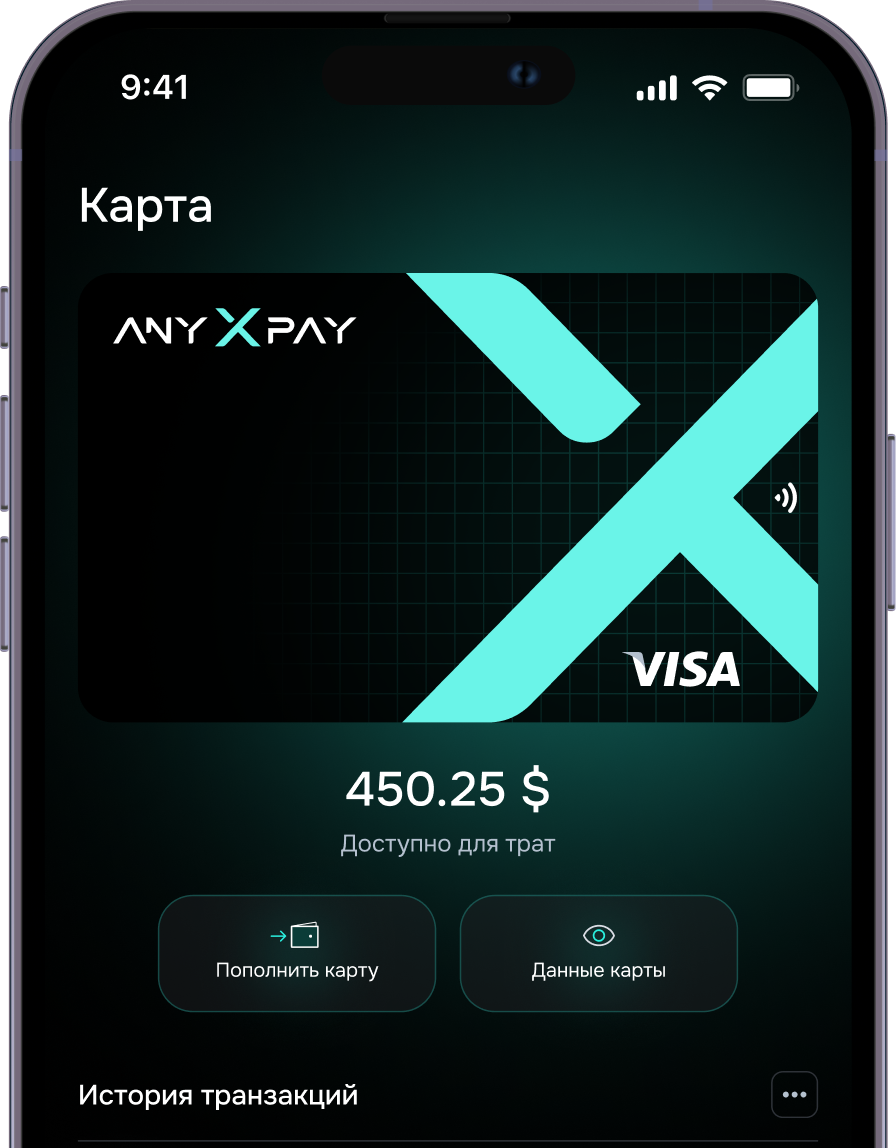
AnyXPay can be used as a Solana wallet with card withdrawals, quickly converting SOL to fiat and transferring funds to a bank account.
Secure
AnyXPay is a secure Solana wallet that employs modern encryption methods and multi-layered data protection.
How the Solana Wallet AnyXPay Works
The app allows you to store, buy, exchange, and withdraw SOL within a single interface. All operations are performed directly without using third-party services.
1. Purchase
With the app, users can quickly buy Solana and have the funds credited directly to their wallet without any complicated steps.
2. Exchange
Built-in features allow users to exchange Solana for fiat and vice versa, controlling rates and fees.
3. Sale
If needed, users can sell Solana directly within the app, locking in a convenient moment for the transaction.
4. Withdrawal
Using a Solana wallet with card withdrawal, you can convert cryptocurrency to fiat and transfer funds to a bank account.
Sell cryptocurrency online
Our Telegram wallet, unlike other similar mini apps, supports not only the main cryptocurrencies but also several other popular assets — everything you need for comfortable transactions.
User reviews
The best wallet in the world
Vanessa Paradis
Lorem ipsum dolor sit amet, consectetuer adipiscing elit. Aenean commodo ligula eget dolor. Aenean mLorem ipsum dolor sit amet, consectetuer adipiscing elit. Aenean commodo ligula eget dolor. Aenean m
09/09/2025

AnyXPay, mobile SOL wallet download

To get started, simply install the AnyXPay mobile SOL wallet. The installation takes just a few minutes and provides access to all SOL management features.
FAQ
01 How to choose a Solana wallet?

When choosing a Solana wallet, it’s important to consider security, control over private keys, and interface convenience. A non-custodial format allows users to manage their funds independently without third-party involvement. Transaction speed and mobile support are also important. That’s why AnyXPay is often regarded as the best Solana wallet for everyday use.

02 How to create a Solana wallet?

To start using AnyXPay, you need to install the app and go through a simple initialization process. The system automatically generates a seed phrase, which should be stored securely. The process requires no special knowledge and takes only a few minutes. This way, users can create a Solana wallet and immediately begin managing their assets.

03 How to open a Solana wallet?

To get started, simply download the AnyXPay crypto wallet and open the app on your smartphone. After the first launch, the wallet will be fully ready for use without any additional setup or verification.

04 How to fund a Solana wallet?

You can fund a cryptocurrency wallet by transferring from another user, purchasing SOL, or using the in-app exchange. All transactions are recorded in the transaction history, allowing you to track your funds.

05 How to transfer funds to a SOL wallet?

To send funds, you need to enter the recipient’s crypto wallet address, select the amount, and confirm the transaction. The transfer is executed directly on the Solana network, and its status can be tracked in real time.

06 How to withdraw funds from a Solana wallet?

Using a Solana wallet with card withdrawal, users can convert SOL to fiat and transfer funds to a bank account. The withdrawal process is simple and requires no third-party services.

07 How to find a SOL wallet by address?

Using a crypto wallet address, you can check the balance, transaction history, and transfer status on the Solana blockchain. This helps track operations and increases transparency in asset management.