
AnyXPay Bitcoin wallet for iOS and Android

As the cryptocurrency market grows, there is a need for a tool that combines security, convenience, and flexibility to confidently work with digital assets. The AnyXPay Bitcoin wallet for iOS and Android is a modern way to store and manage cryptocurrency. It is suitable for both newcomers to the blockchain industry and experienced traders who value full control over every step and want multi-currency functionality at their fingertips.

The best Bitcoin wallet: AnyXPay
Why do many people consider AnyXPay to be the best Bitcoin wallet? Because it combines professional-grade features with a simple and user-friendly interface. It supports multiple networks, includes built-in exchange tools, and ensures secure storage of private keys. Non-custodial access allows users to make transactions without intermediaries and maintain full control over their finances.
Reliable
AnyXPay is the most reliable Bitcoin wallet. Its architecture is based on the principle that only the user has access to the private keys. The seed phrase allows data to be restored even if the device is lost.
No verification required
To use the app, you do not need to go through complex KYC procedures. For those who value privacy and anonymity, AnyXPay is a BTC wallet without verification. This is especially important in countries where strict laws regulate the use of cryptocurrencies.
Anonymous
All transactions are carried out exclusively on the blockchain, and the anonymous AnyXPay Bitcoin wallet does not collect any personal data. This way, you can maintain privacy and have full control over your transactions.
Multi-currency
This multi-currency Bitcoin wallet supports Bitcoin and other popular cryptocurrencies. Thanks to the ability to create shared wallets, the app is convenient for families, startups, or team projects.
With card withdrawal
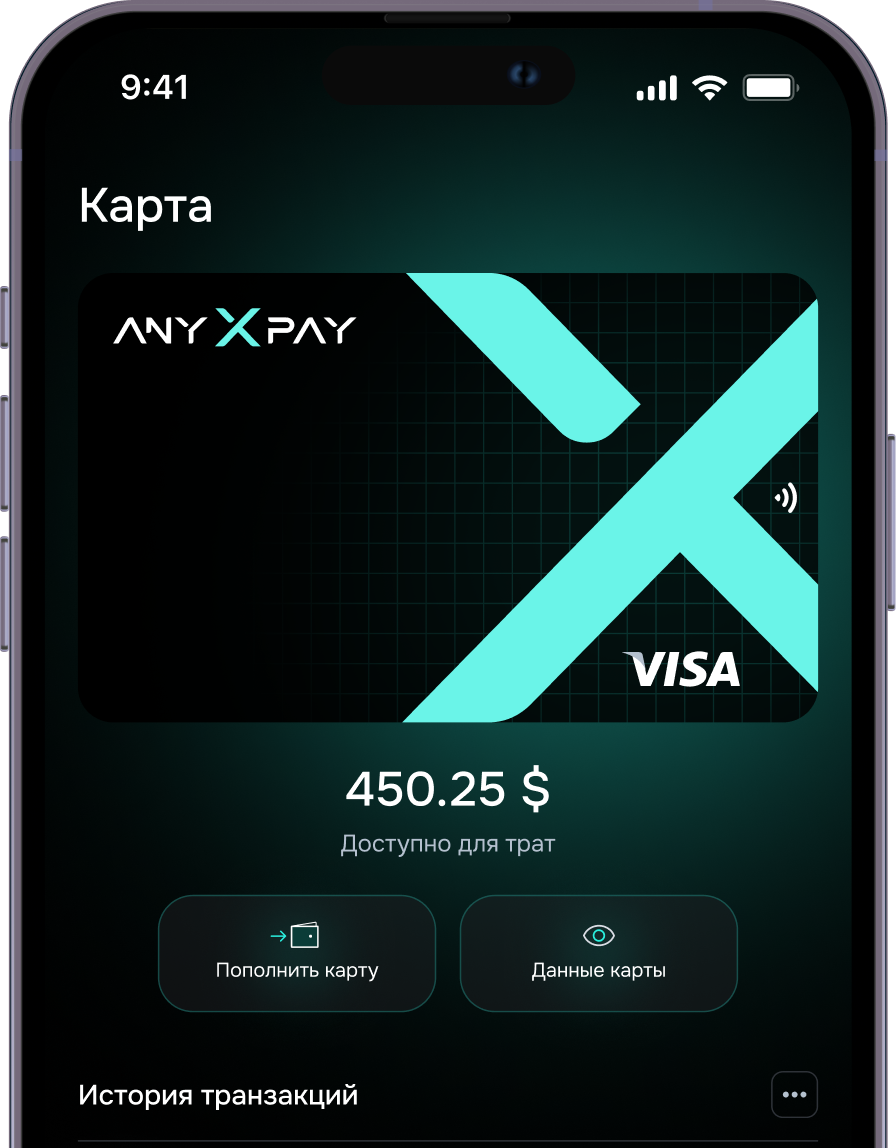
The main feature of AnyXPay is the speed of cashing out funds. It is a Bitcoin wallet with card withdrawal that allows users to quickly transfer cryptocurrency to a bank account.
Secure
Hacking and unauthorized access are prevented by the powerful encryption algorithms of the AnyXPay Bitcoin wallet. The app is regularly updated to meet new security requirements.
How does the AnyXPay Bitcoin wallet work?
It’s more than just a crypto wallet. This app allows you to buy, sell, exchange, and store cryptocurrency coins.
1. Purchase
The app allows you to buy Bitcoin and other cryptocurrencies using a bank card or other payment methods.
2. Exchange
The built-in exchange allows you to convert Bitcoin to fiat and vice versa. Users can buy, sell, and exchange cryptocurrencies like Bitcoin without intermediaries.
3. Sale
You can sell Bitcoin directly from the app, freeing you from the need to use third-party services and worry about the security of the transaction.
4. Withdrawal
In the AnyXPay app, you can manage your cryptocurrency assets and quickly withdraw funds to a bank account when needed.
Sell cryptocurrency online
Our Telegram wallet, unlike other similar mini apps, supports not only the main cryptocurrencies but also several other popular assets — everything you need for comfortable transactions.
User reviews
The best wallet in the world
Vanessa Paradis
Lorem ipsum dolor sit amet, consectetuer adipiscing elit. Aenean commodo ligula eget dolor. Aenean mLorem ipsum dolor sit amet, consectetuer adipiscing elit. Aenean commodo ligula eget dolor. Aenean m
09/09/2025

AnyXPay, download a mobile BTC wallet

To start using it, simply download the mobile BTC wallet from the App Store or Google Play. Once the installation, which takes just a few minutes, is complete, you will have access to the Bitcoin wallet, where you can use various cryptocurrencies such as Bitcoin, Ethereum, and other tokens.
FAQ
01 How to choose a Bitcoin wallet?

The best Bitcoin wallet should have a user-friendly interface, multi-currency support, and strong security. AnyXPay meets all these criteria.

02 How to create a Bitcoin wallet?

To create a Bitcoin wallet, simply download the AnyXPay crypto wallet, generate a seed phrase, and store it in a safe place.

03 How to open a Bitcoin wallet?

After installation, the app automatically creates a crypto wallet address that can be used to receive and send funds.

04 How to top up a Bitcoin wallet?

You can top up a cryptocurrency wallet by transferring funds from another user, using an exchange, or via a bank card.

05 How to transfer money to a BTC wallet?

To make a transfer, simply enter the recipient’s crypto wallet address.

06 How to withdraw money from a Bitcoin wallet?

A Bitcoin wallet with card withdrawal allows you to convert funds to fiat and transfer them to a bank account.

07 How to find a BTC wallet by address?

Using a crypto wallet address, you can track transactions on the blockchain, providing transparency and control over your transfers.