
AnyXPay Monero wallet for iOS and Android

AnyXPay is a mobile Monero wallet designed for users who value privacy and independence. The app is available on iOS and Android and allows you to conveniently work with XMR without complex setup or limitations.

The best Monero wallet — AnyXPay
The combination of privacy, simplicity, and control makes AnyXPay the solution that many call the best Monero wallet. Users manage their funds themselves and do not depend on centralized services.
Reliable
AnyXPay is designed as the most secure Monero wallet, where only the owner has access to the funds. Private keys are not shared with third parties, and recovery is performed using a seed phrase.
No verification required
Using the app does not require registration — this no-verification XMR wallet lets you get started immediately without revealing personal data or going through KYC.
Anonymous
Thanks to the features of the Monero network, AnyXPay works as an anonymous Monero wallet, hiding transaction details and not storing user information.
Multi-currency
In addition to XMR, the app supports other assets, allowing it to be used as a multi-currency Monero wallet for comprehensive cryptocurrency management.
With card withdrawal
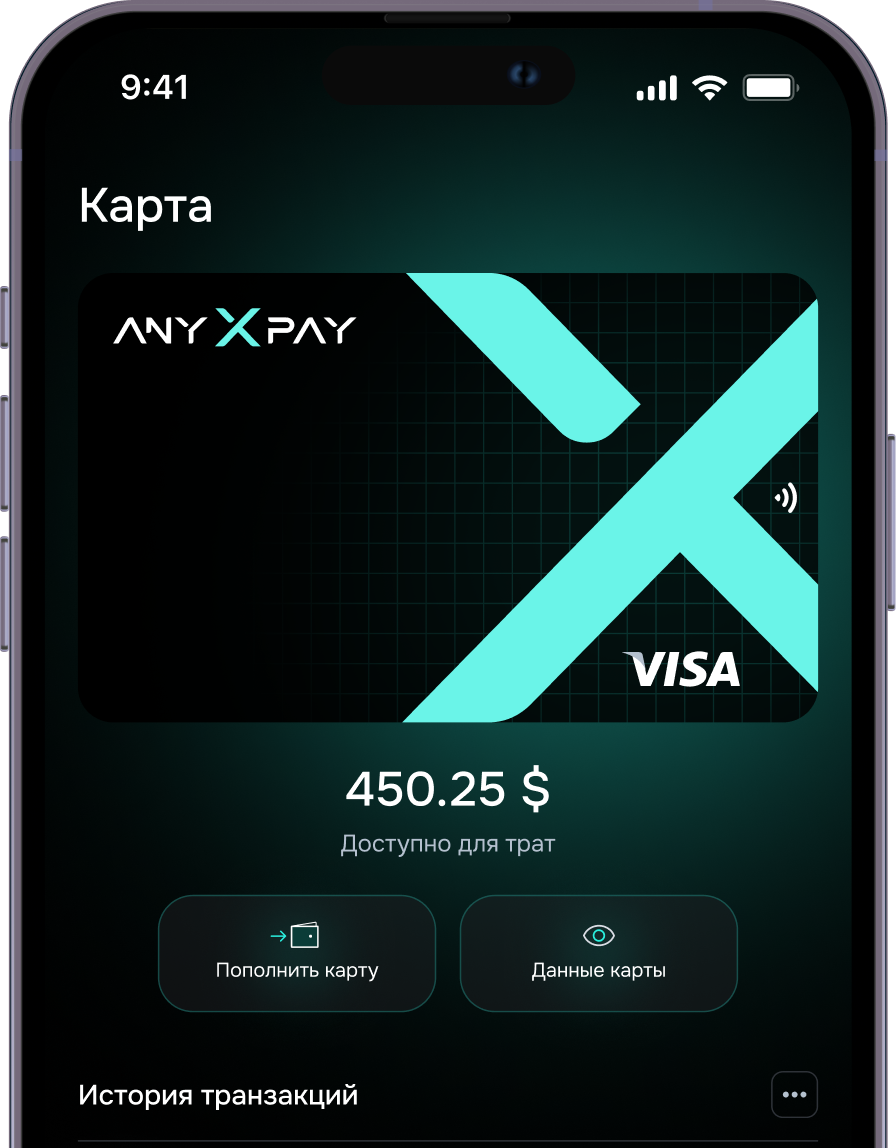
AnyXPay can be used as a Monero wallet with card withdrawal, allowing you to convert XMR to fiat and transfer funds to a bank account in a convenient way.
Secure
Modern security mechanisms make AnyXPay a secure Monero wallet, resistant to hacking and unauthorized access.
How the AnyXPay Monero wallet works
The app combines all key XMR functions: storage, purchase, exchange, and withdrawal. All operations are performed within the interface without the need to connect third-party services.
1. Purchase
In AnyXPay, you can quickly buy Monero and credit XMR to your wallet by choosing a suitable payment method.
2. Exchange
The app’s functionality allows you to exchange Monero for fiat and back, while controlling the exchange rate and transaction terms.
3. Sale
Users can sell Monero directly in the app without transferring funds to external platforms.
4. Withdrawal
Through a Monero wallet with card withdrawal, funds are converted to fiat and sent to a bank account.
Sell cryptocurrency online
Our Telegram wallet, unlike other similar mini apps, supports not only the main cryptocurrencies but also several other popular assets — everything you need for comfortable transactions.
User reviews
The best wallet in the world
Vanessa Paradis
Lorem ipsum dolor sit amet, consectetuer adipiscing elit. Aenean commodo ligula eget dolor. Aenean mLorem ipsum dolor sit amet, consectetuer adipiscing elit. Aenean commodo ligula eget dolor. Aenean m
09/09/2025

AnyXPay, mobile XMR wallet download

By installing the AnyXPay mobile XMR wallet, users gain full access to managing Monero within just a few minutes after installation.
FAQ
01 How to choose a Monero wallet?

When choosing a Monero wallet, privacy is the key factor. It’s important that users control their private keys and do not depend on centralized services. You should also consider interface usability, mobile support, and the ability to withdraw funds. These criteria make AnyXPay a popular solution and allow it to be considered the best Monero wallet for regular use.

02 How to create a Monero wallet?

The process of creating a wallet in AnyXPay is максимально simplified. After installing the app, the system automatically generates a seed phrase used to restore access. It must be stored in a safe place. No additional setup is required, so users can create a Monero wallet and start working with XMR immediately.

03 How to open a Monero wallet?

To start using the service, simply download the AnyXPay crypto wallet and launch the app. After the first launch, the wallet is already ready to receive and send funds without any additional confirmations.

04 How to fund a Monero wallet?

Funding a cryptocurrency wallet is possible in several ways: by receiving XMR from another user, purchasing through the app, or exchanging assets. All transactions are displayed in the history, making it easy to track your balance.

05 How to transfer funds to an XMR wallet?

To send funds, you need to enter the wallet address, specify the amount, and confirm the transaction. The transfer is carried out on the Monero network, taking into account its privacy protection mechanisms.

06 How to withdraw money from a Monero wallet?

By using a Monero wallet with card withdrawal, users can exchange XMR for fiat and send the funds to a bank account. The process does not require third-party platforms and is carried out entirely within the app.

07 How to find an XMR wallet by address?

By a Monero wallet address, it is impossible to identify the owner; however, you can verify the transaction and its confirmations on the blockchain. This allows transfers to be tracked without revealing personal data.